Undo, then some
Every close, move and hibernate can be undone from the toast. Recovery history keeps a safety copy of closed tabs on your computer for seven days.
Free for Chrome v0.13.2
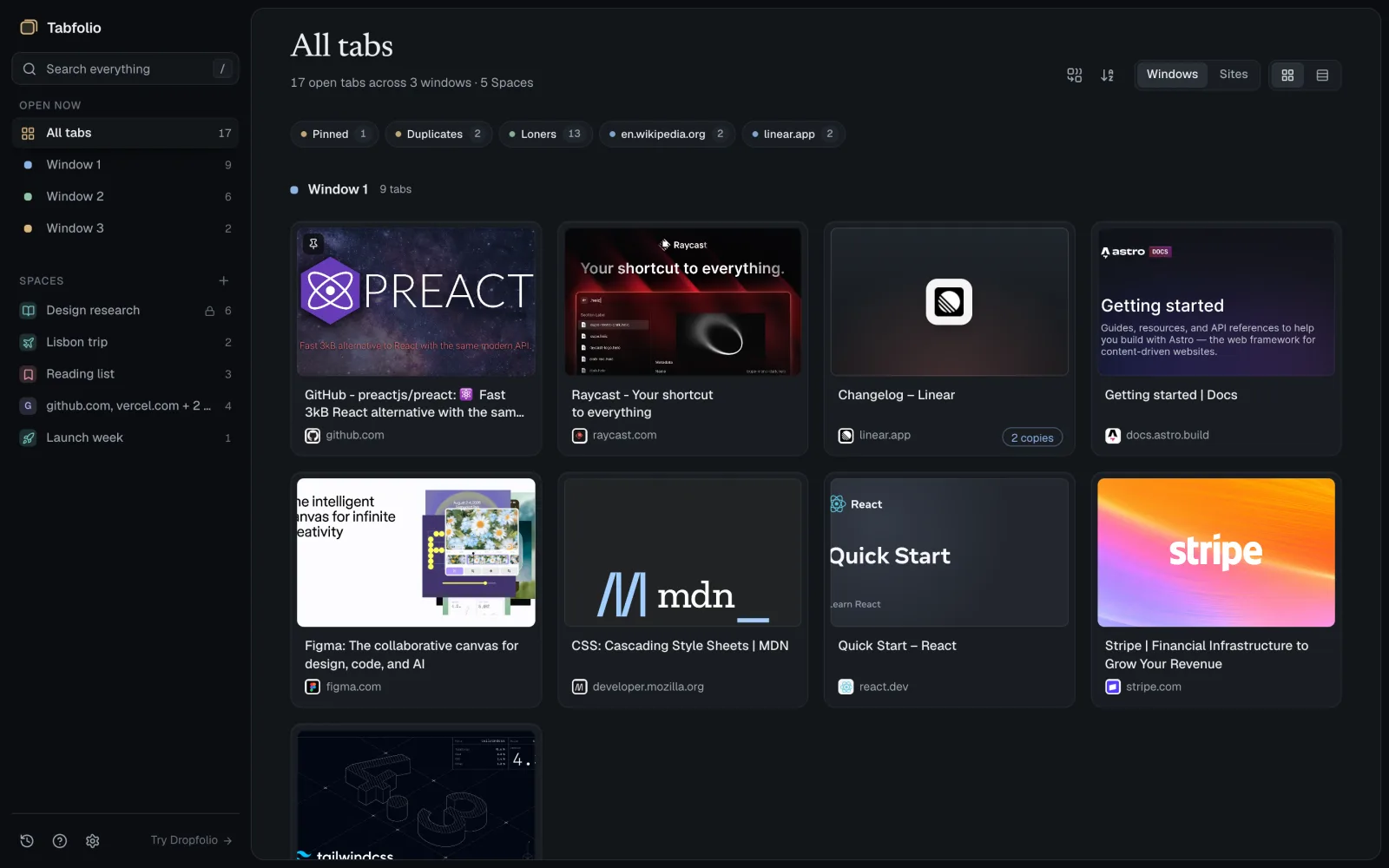
Every tab from every Chrome window in one calm place. Find anything in a keystroke, and keep the tabs you'll come back to in Spaces.
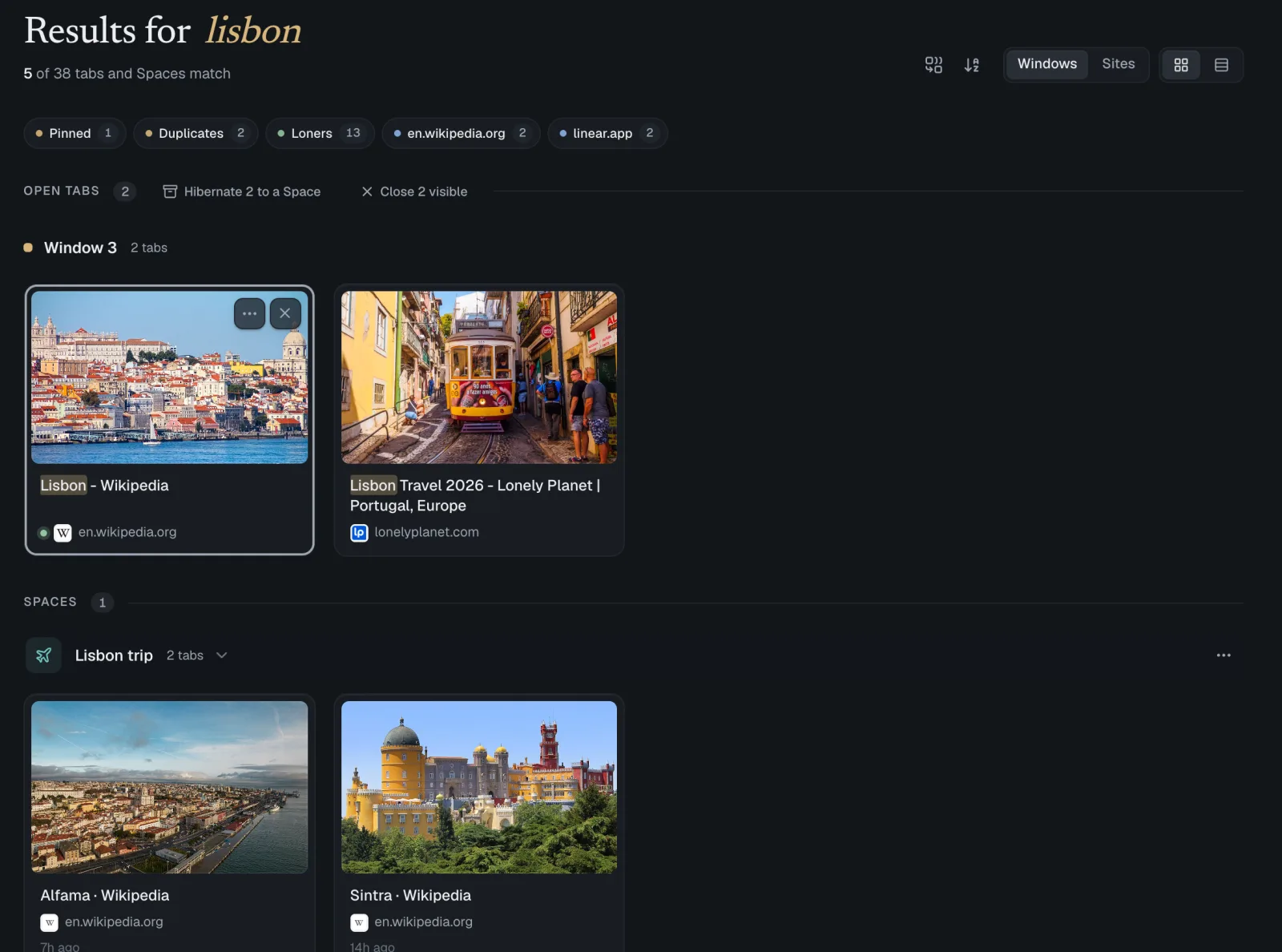
Find
One box looks through every open tab and every saved Space. Press / from anywhere and start typing.
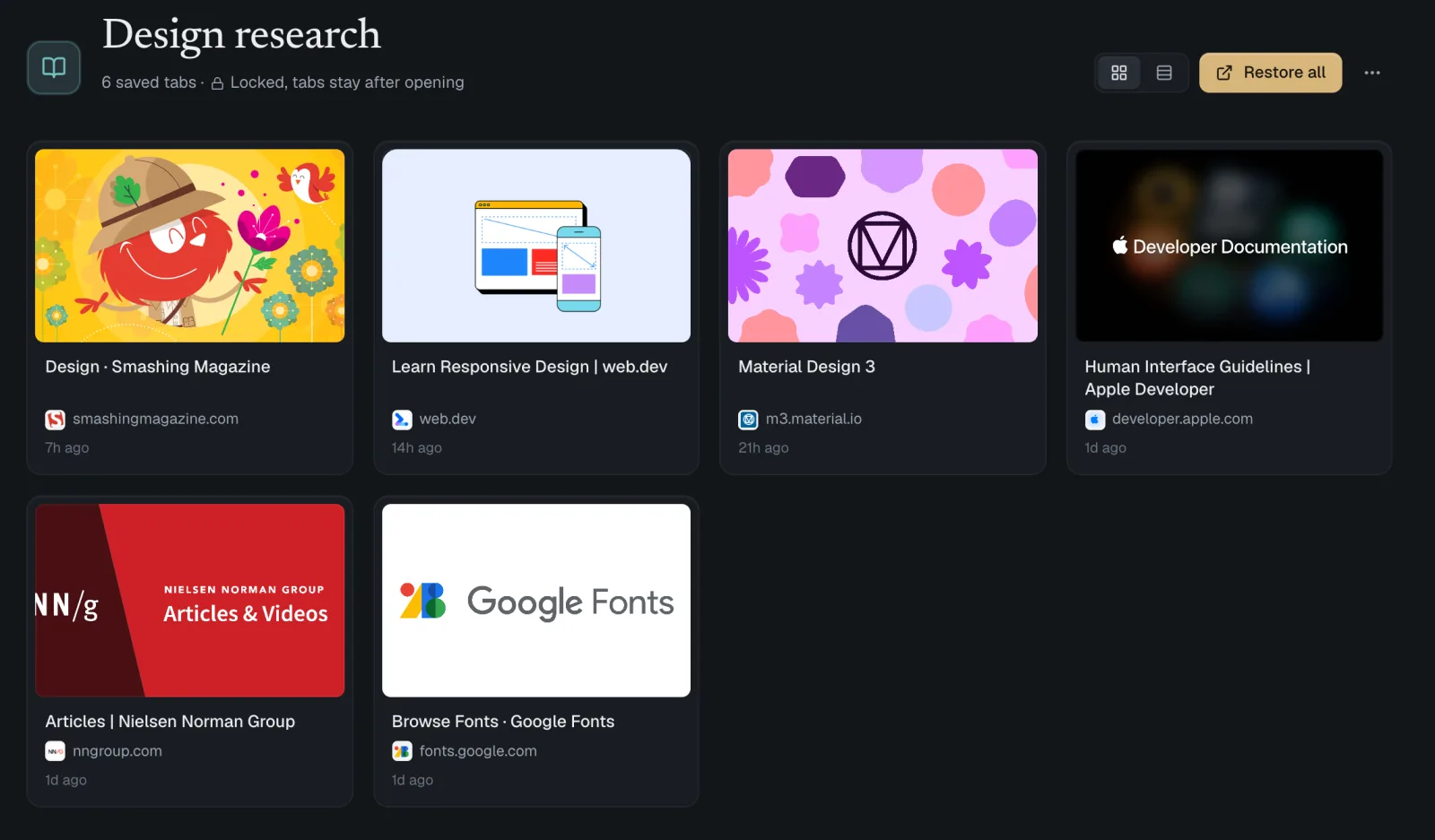
Keep
Spaces hold tabs you're not using today. They close in Chrome and wait in Tabfolio, with their previews, until you open them again.
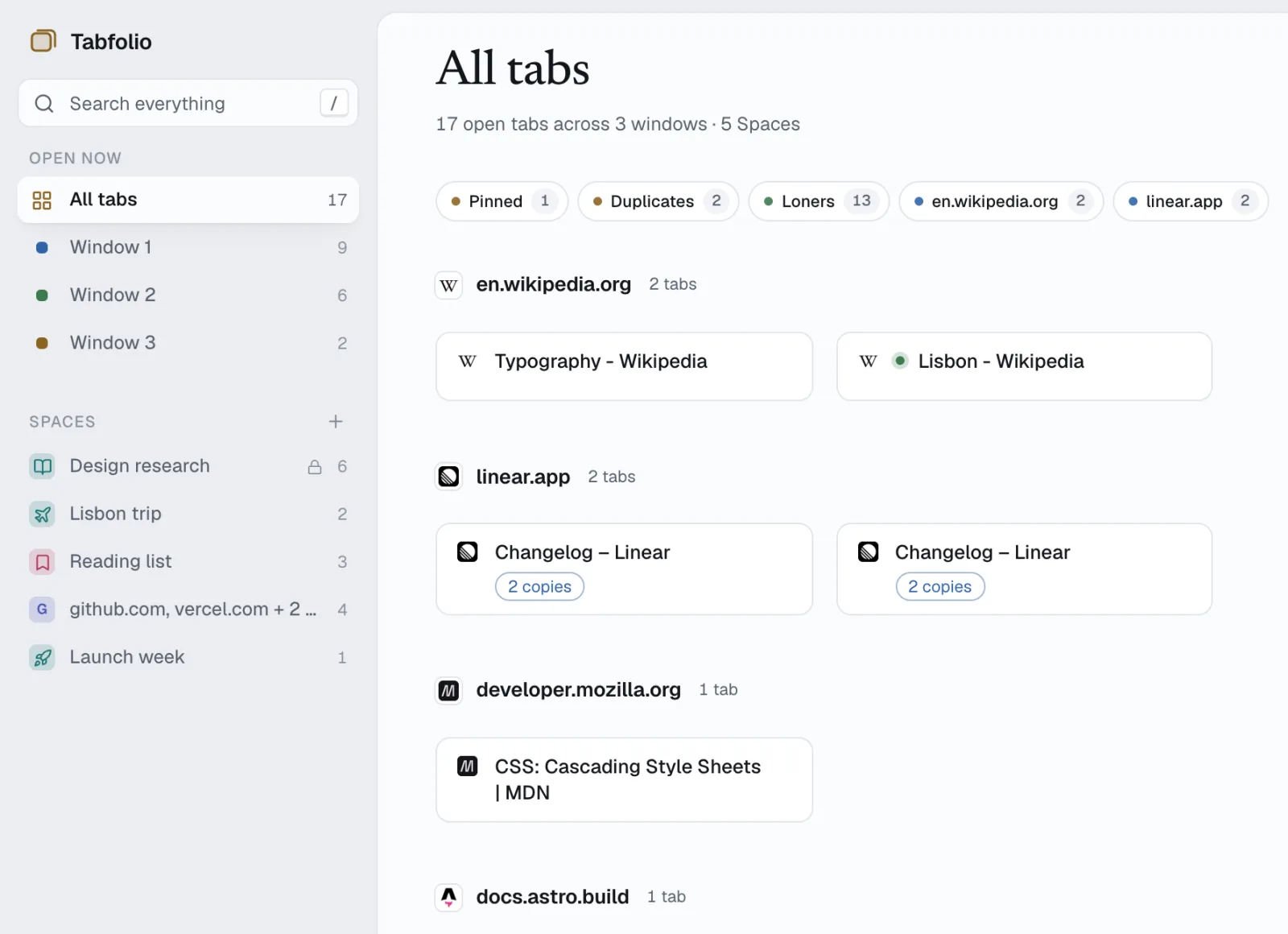
Tidy
Switch from windows to sites with G. Every site gets its own row, so a dozen GitHub tabs read as one group.
Every close, move and hibernate can be undone from the toast. Recovery history keeps a safety copy of closed tabs on your computer for seven days.
Cards show each page's own preview image, video thumbnails included, with the site's icon beside it. Tabs without one fall back to a clean icon card.
Pick tabs across windows and Spaces, then close them, open them in a new window, or move them together.
No account, no cloud sync, no analytics. Saved data lives in Chrome's local storage. Export a backup file whenever you like.
Free. No account. Your tabs stay on your computer.
Add to ChromePreviews and site icons are fetched from the pages in your tabs and from public icon services. Read the privacy policy.